The StoryMint Library: read and download books for free
Read whole books in your browser, download most of them as a PDF, and find the right one for tonight. No account needed, nothing to install.
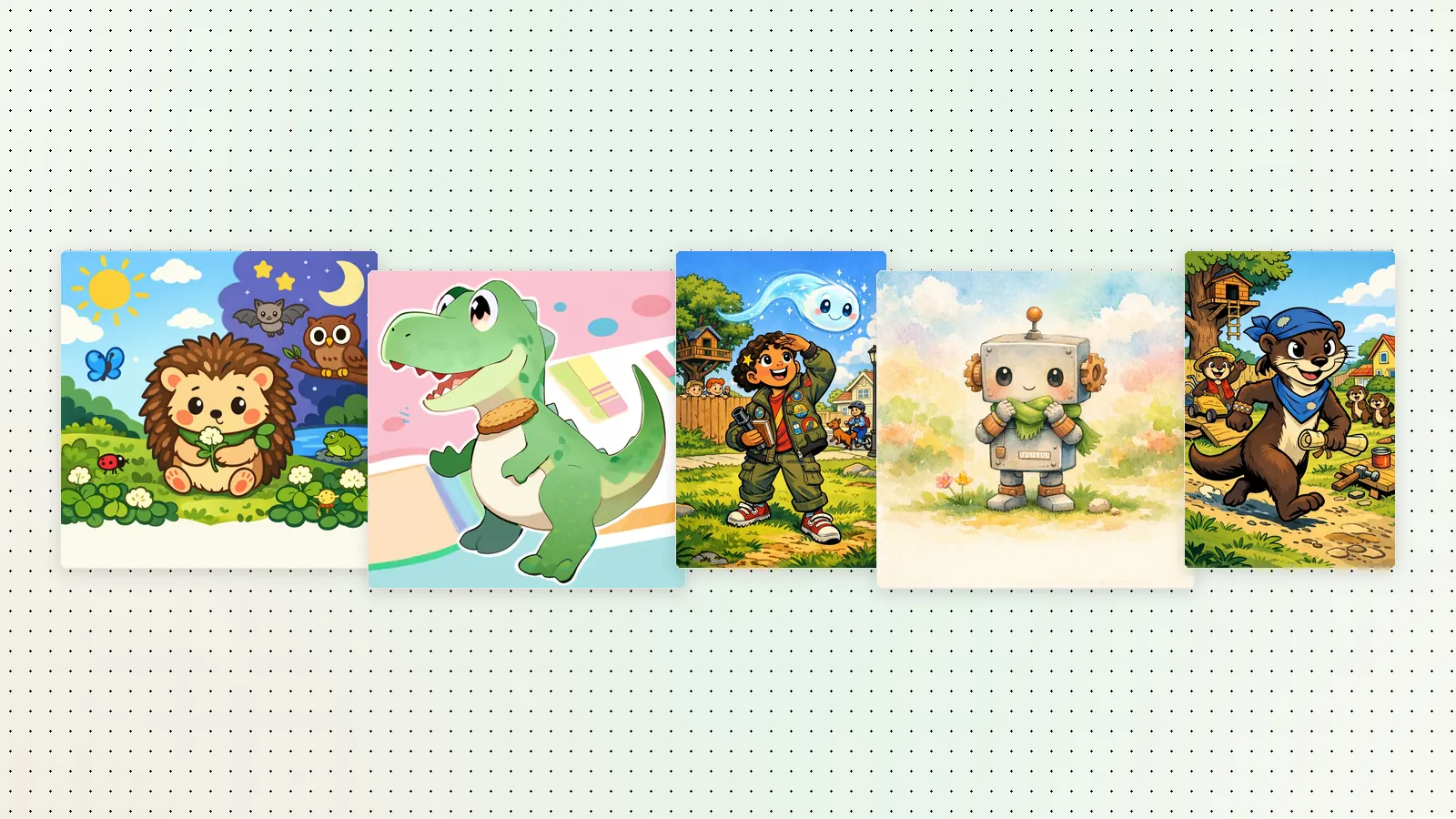
Not every evening needs a brand-new book. Sometimes you just want a good story for bedtime, right now. The StoryMint Library is a shelf of books made with StoryMint that anyone can read online for free, and it just got better: you can now read every page of a book, and download most books as a PDF.
What's on the shelves
The library holds four kinds of books:
- Coloring books made by the StoryMint team. Each one opens as a free preview of its first pages, and the coloring books page shows more of their pages.
- Picture books, with a picture on every page, for reading aloud.
- Comics, with panels and speech bubbles, for readers who like action.
- Beta novels, with chapters, for older readers.
Picture books, comics and beta novels open in full: every page, from the cover to the end.
Books are sorted into categories like Coloring, Adventure, Bedtime, Fantasy, Friendship, Animals, Learning, Mystery, Space and Comedy, so you can match the book to the moment.
Read the whole book, or take it with you
Every book on the shelves has two buttons:
- Read now opens the book in the reader, right in your browser, on a computer, a tablet or a phone. Turn the pages one by one, or read it aloud together.
- PDF downloads the book, so you can read it offline or print it at home. On most books it's the whole book; on the StoryMint team's coloring books it's the preview.
You don't need to sign in for either, and there's nothing to install. It's an easy way to see what StoryMint books are like before you make your own.
Each book also has its own page, with its cover and a short description, so you can send a link to a favorite. We wrote about those pages in Library books now have their own pages.
How to find a good one
- Start with a category. Bedtime for the end of the day, Adventure for a rainy afternoon, Learning for a curious kid.
- Filter by format. Pick Coloring books for a kid who wants to grab the crayons, Comics for a reader who loves panels, or Picture books for the youngest listeners.
- Search by title or theme. Try a favorite animal, a place or a feeling: "dragon", "ocean", "brave".
Read first, then make your own
The library is also a good source of ideas. If your kids love a book about a lighthouse, start your own book about a lighthouse keeper with their names in it. StoryMint writes and illustrates it from one idea, and you review every page before you share it. A favorite coloring book works the same way: make a coloring book from one idea, with black-and-white line art, bold outlines and one scene per page.